QR Code Photo Sharing for Weddings
Every guest at your wedding is carrying a camera, and by Monday those photos are scattered across a hundred camera rolls. PIXO puts one QR code on the table and collects them all in one gallery — no app for your guests to download, and no group chat for you to scrape.

How to collect wedding guest photos with PIXO
You create the gallery before the day and get a QR code for it. Print that code on your table cards, slip it into the invitations, or stand it at the entrance and beside the bar — anywhere a guest with a drink in one hand will notice it. When the day arrives you turn the event on, and the gallery starts collecting.
Guests point a phone camera at the code, and the gallery opens in the browser they already have. They type a name, choose the photos and short videos they just took, and upload. That is the entire ask: no app store, no sign-up, no password, nothing to explain to the relatives who are not going to install anything.
What you see while the party is still going
Uploads appear in a live feed as guests take them, so the ceremony you spent a year planning comes back to you from angles no photographer was standing in — the aisle from the third row, the speech from your cousin's table, the dance floor at midnight. Anyone who opens the gallery link can watch the same feed fill up, which is also how the relatives who could not travel follow the day.
Everything also lands in an album view, and the album is yours to curate. From your host dashboard you can hide an upload so guests stop seeing it, or delete it outright — useful for the accidental ten shots of a shoe, and reassuring if you would rather approve what stays up.
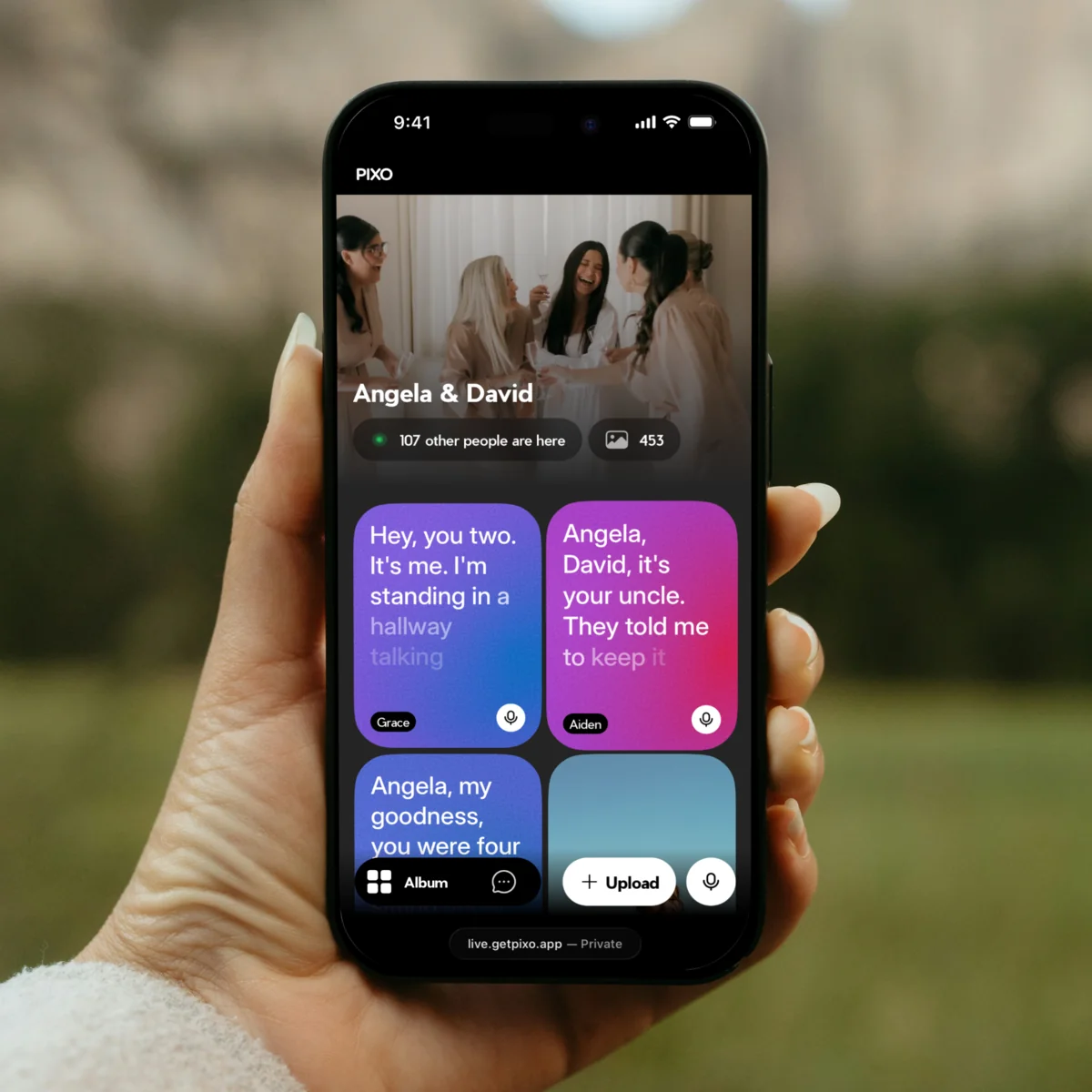
Every Voice, Kept.
Guests tap the mic and say what's in their heart. Your audio guestbook writes down every word. Read them tonight. Play them back for years.
Getting the photos after the wedding
When the wedding is over, open the event in your dashboard and use Download All: PIXO packages every photo and video in the album into one ZIP file at full quality. No screenshotting a feed, no asking sixty people to AirDrop what they took. Send the gallery link to anyone who wants to relive the night, and keep the ZIP for the album you print.
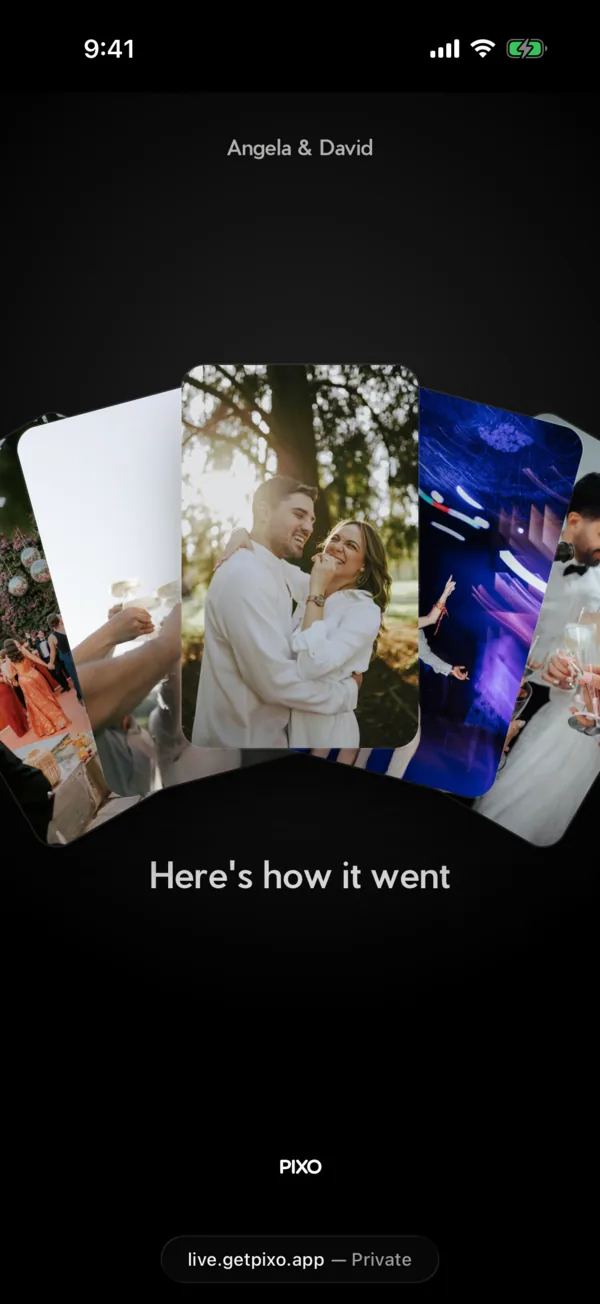
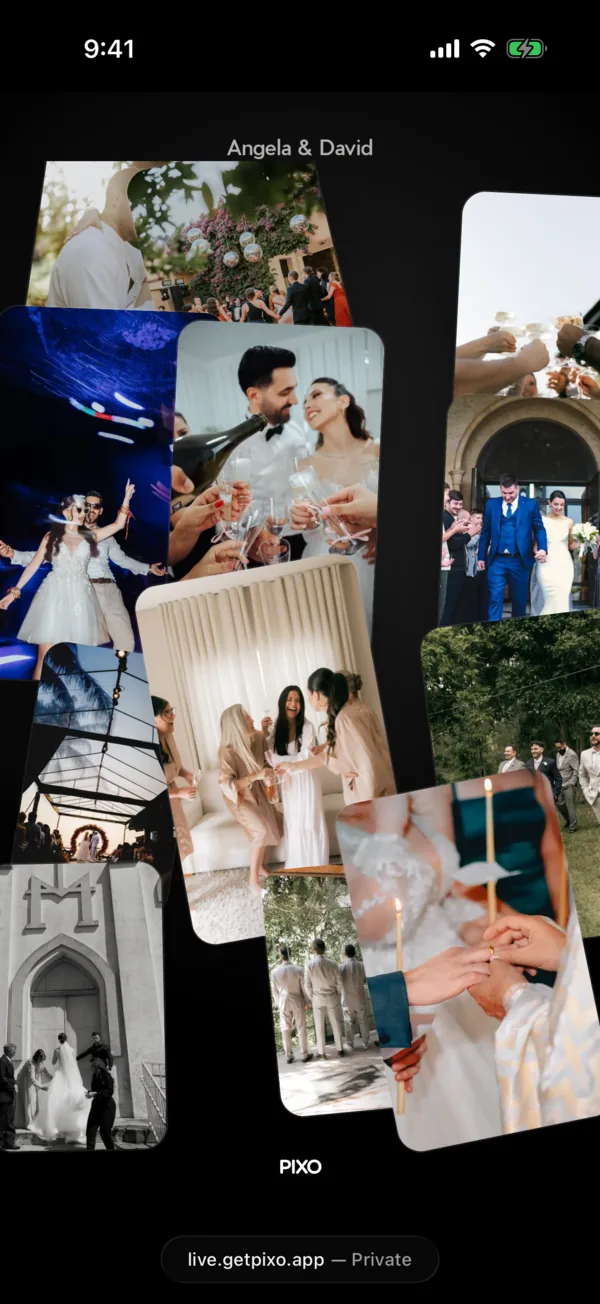
It's A Wrap!
The day after, PIXO Wrapped turns your guests' photos into a short recap. Your photos fan out, the night fills the screen, then the count rolls in. Send the link to your guests and let them live it again.
What a wedding gallery costs
PIXO is priced per event as a one-time payment, not a subscription. The Starter package is $50 and shows the newest 100 uploads in the gallery, photos and videos together, which is enough to try PIXO on a small gathering. The Pro package is $99 and shows every photo and video your guests upload, with no display limit — that is the one for the wedding. You can start on Starter and upgrade the same event to Pro from your dashboard, and a Pro gallery is kept for a full year rather than six months.
More questions about how it works on the day? Read the PIXO FAQ.
Create My Wedding Gallery